
One Platform. Every Booking. Your Institution.
Give your institution a branded portal to manage labs, classrooms, auditoriums, and every facility — with complete admin control and a seamless user experience.
Trusted by Institutions
Results That Speak for Themselves
yourcollegename.shedule-it.inComplete Administrative Control
A powerful admin portal with full control over users, departments, facilities, and every booking in your institution.
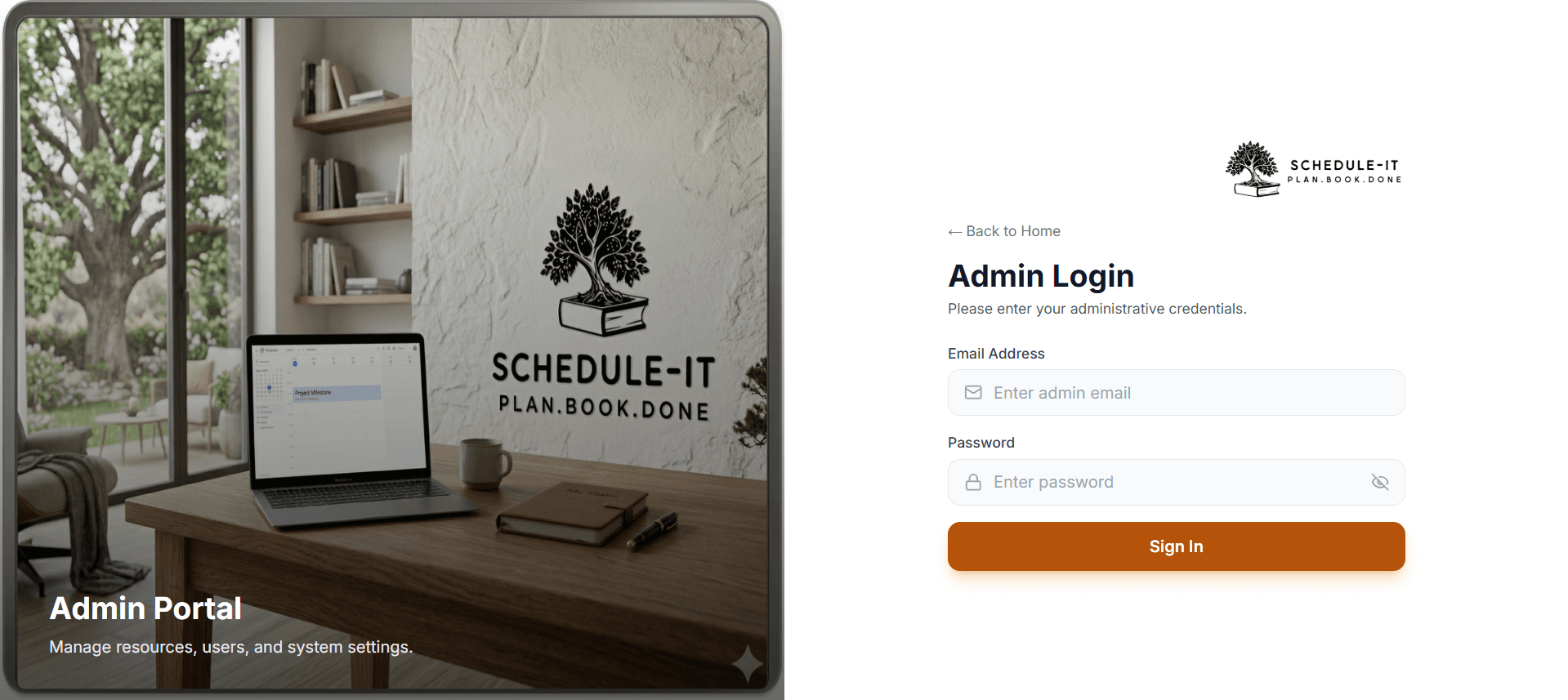
Secure Admin Login
Password-protected admin portal with dedicated authentication flow.
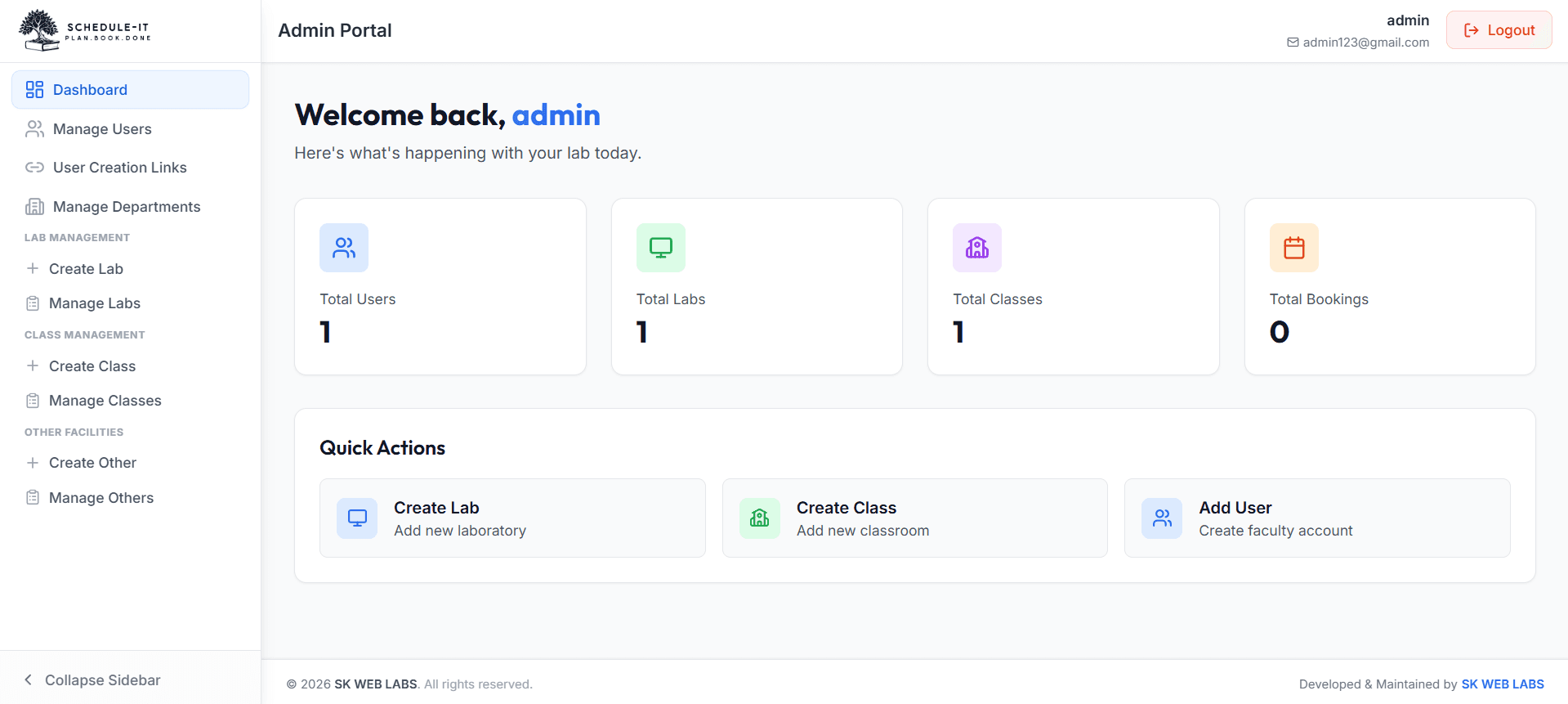
Admin Dashboard
High-level overview of bookings, facilities, users, and pending approvals at a glance.
Effortless for Every User
Faculty, staff, and students can browse, book, and track their facility requests from a clean, intuitive interface.
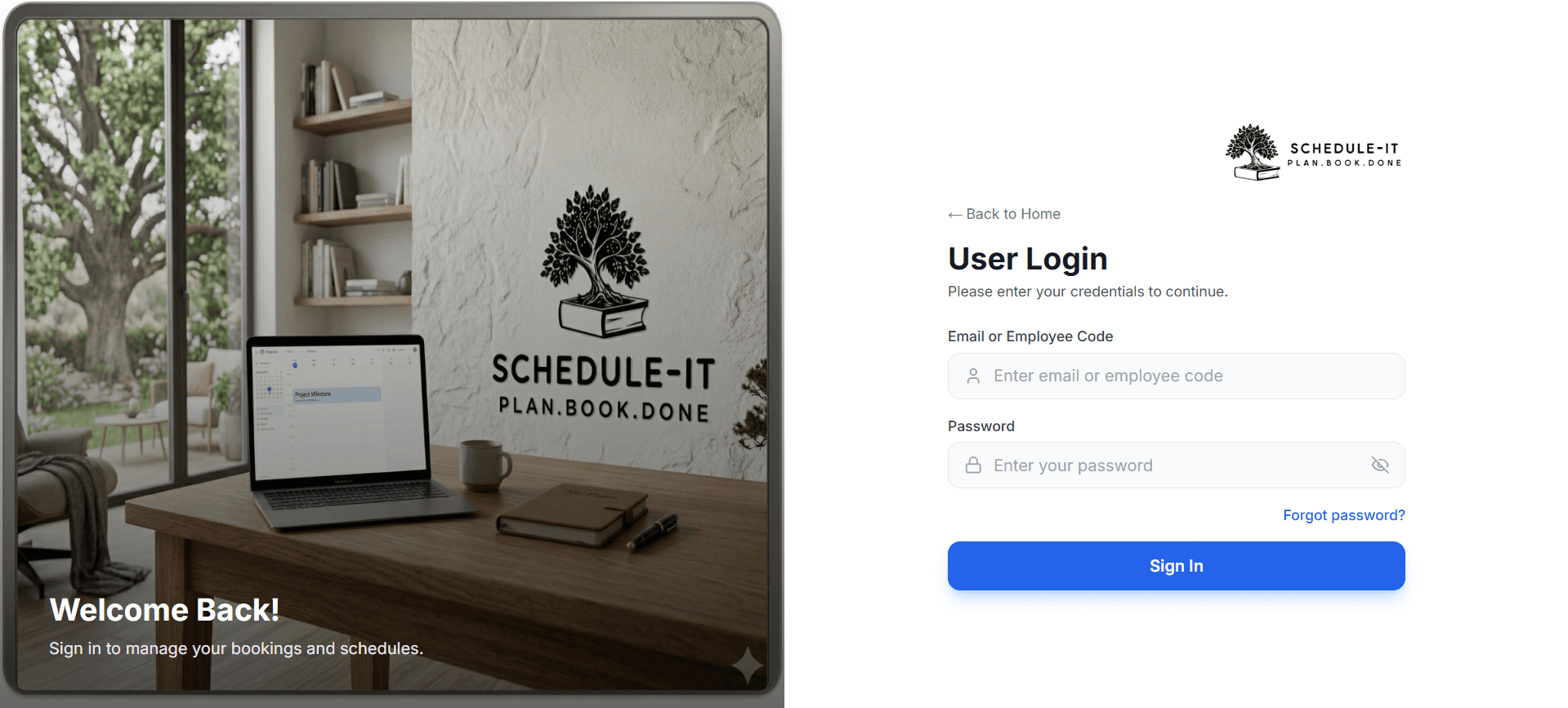
User Login
Sign in using Email or unique Employee Code. Simple, fast, and secure.
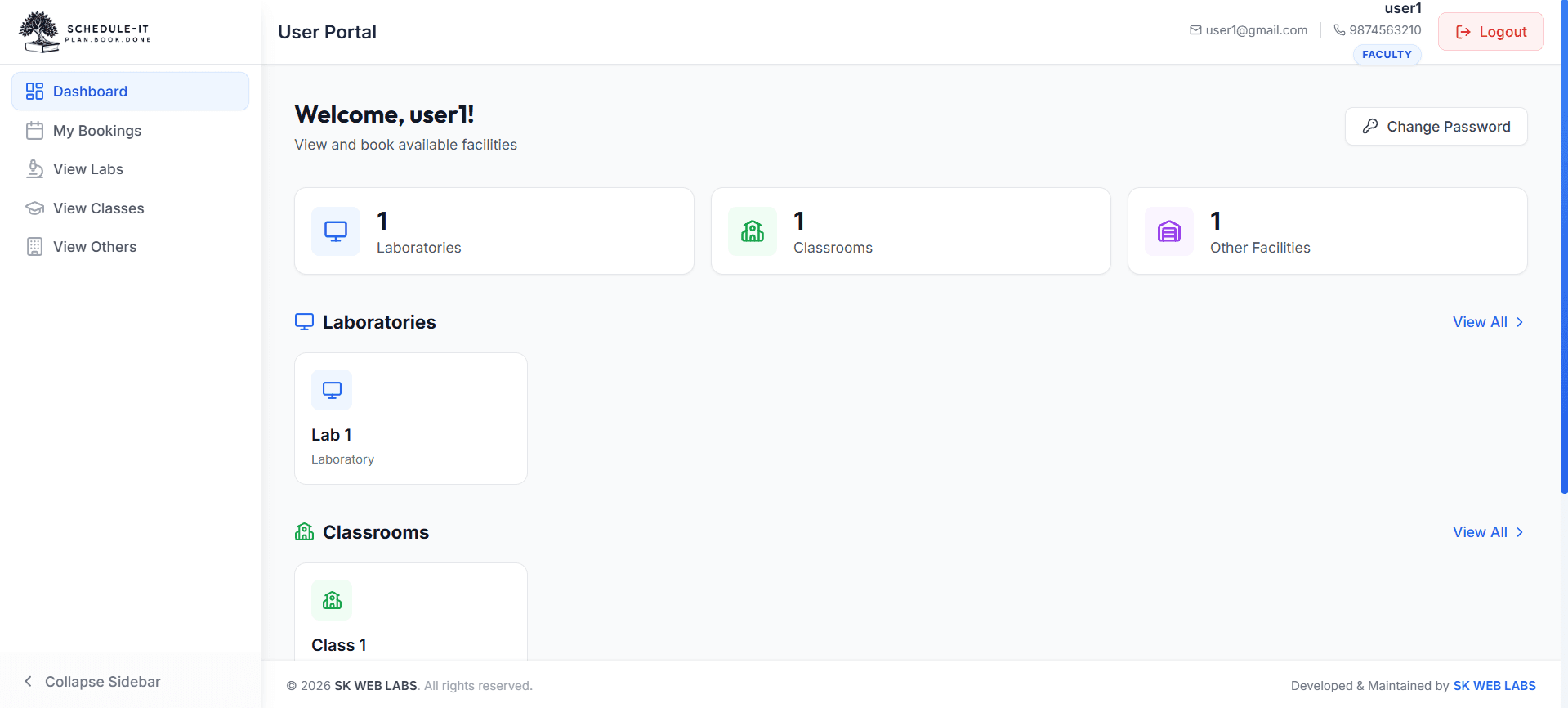
User Dashboard
Personalized dashboard with upcoming schedules, quick links, and booking status.
Every Screen, Every Feature
Explore all 31 screens of the actual application — admin portal and user portal. Click any screenshot to zoom in.
Authentication
1 screen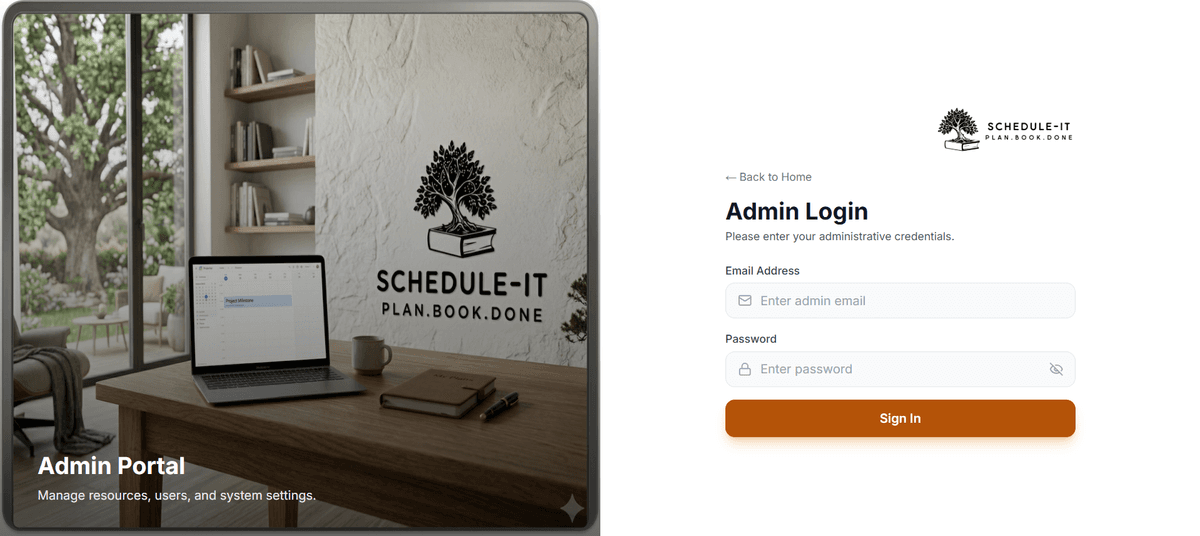
Admin Login
Dashboard
1 screen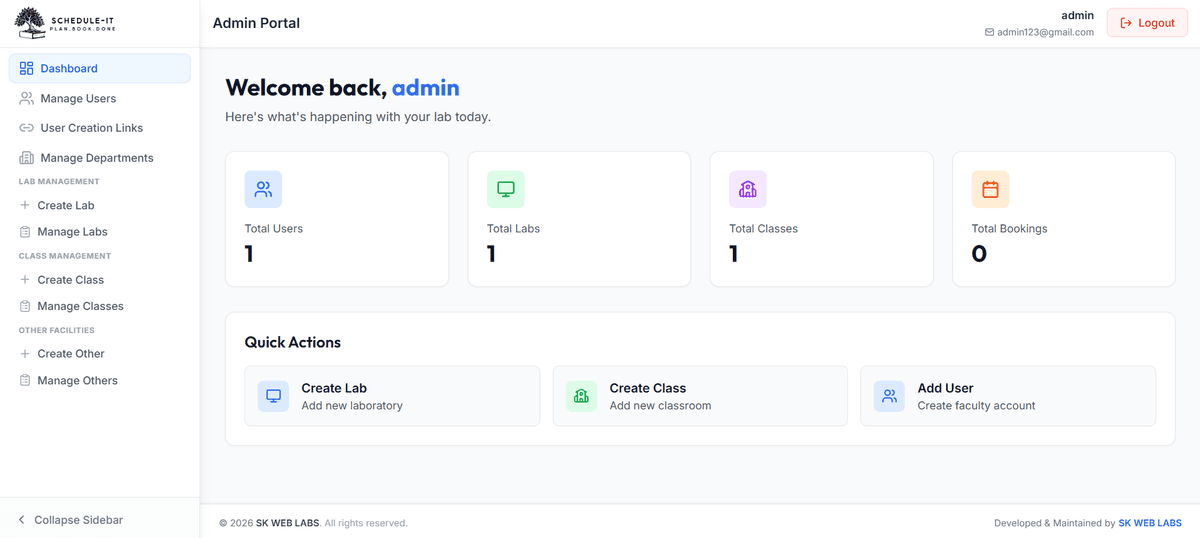
Admin Dashboard
User Management
4 screens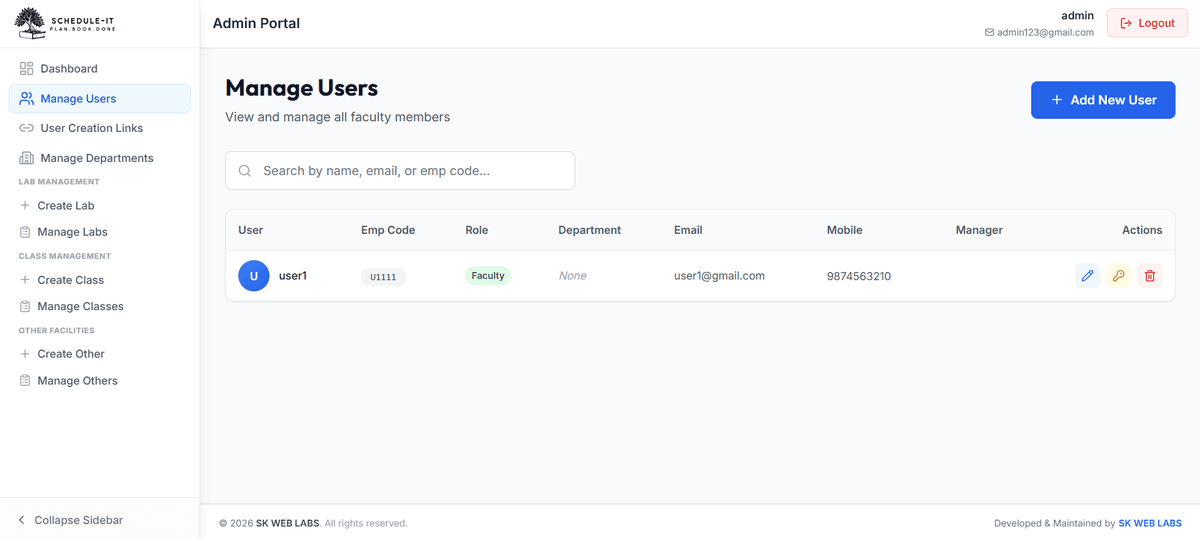
Manage Users
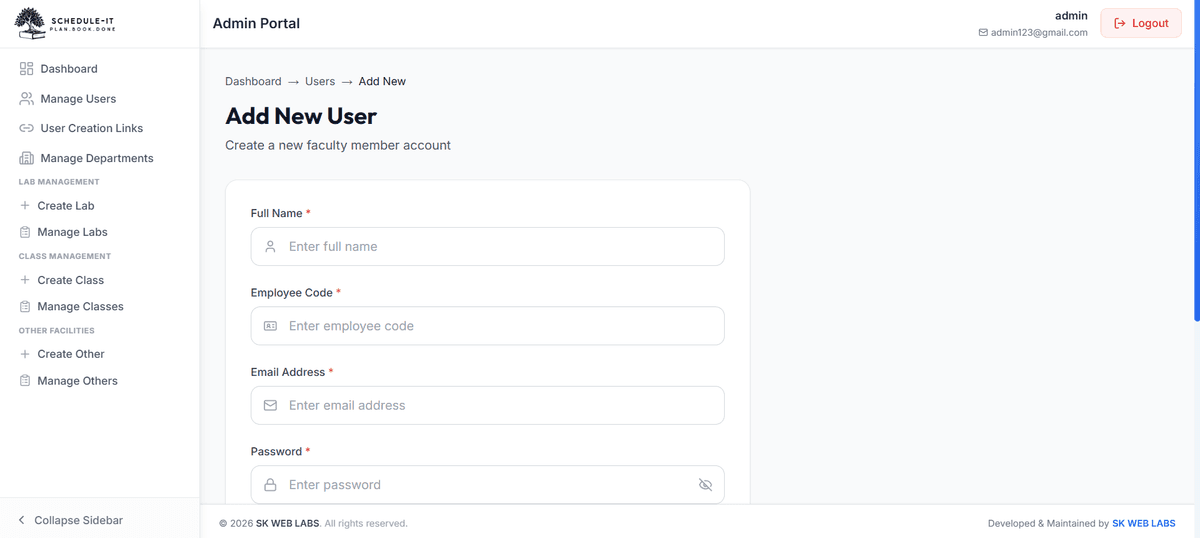
Add New User
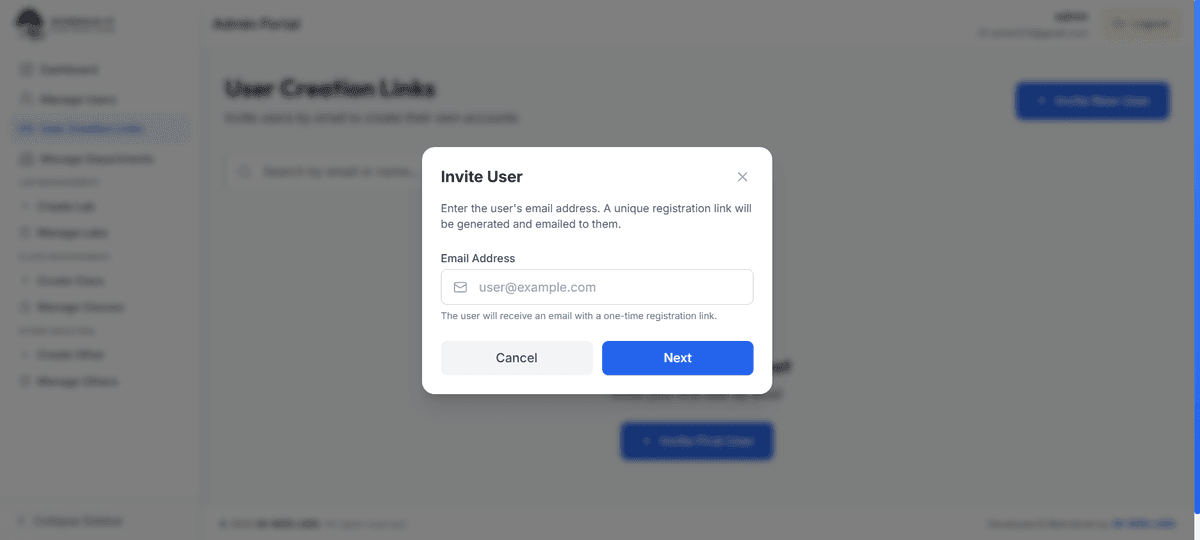
Invite via Email
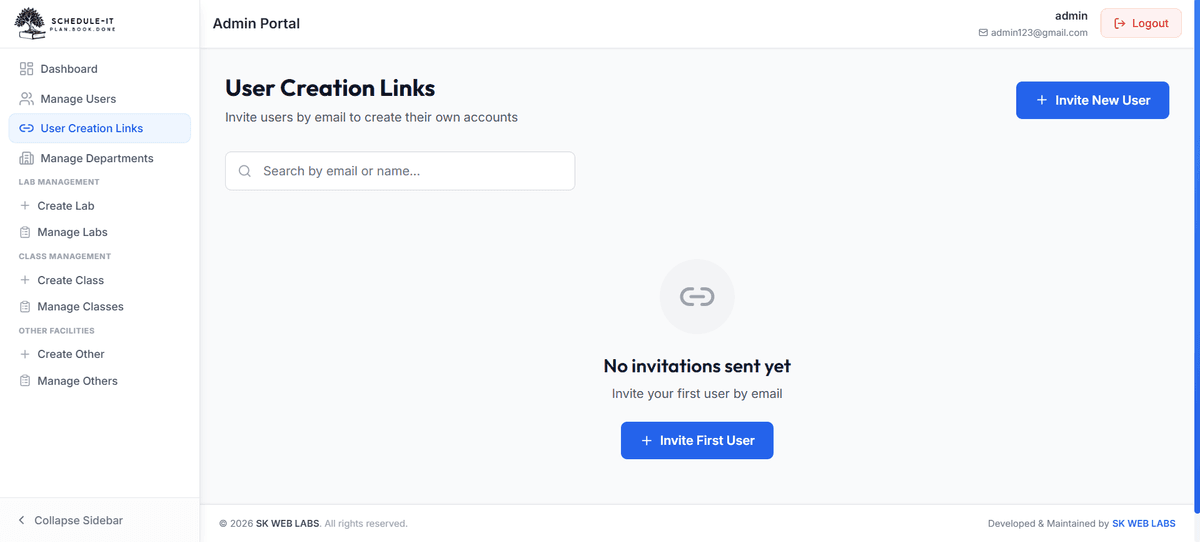
User Creation Links
Departments
2 screens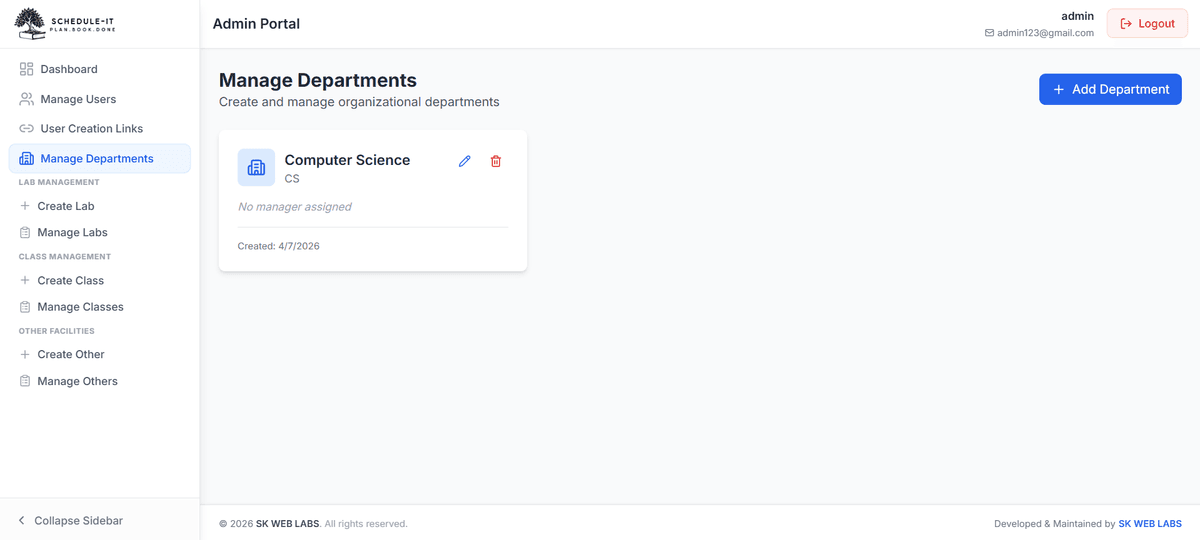
Manage Departments
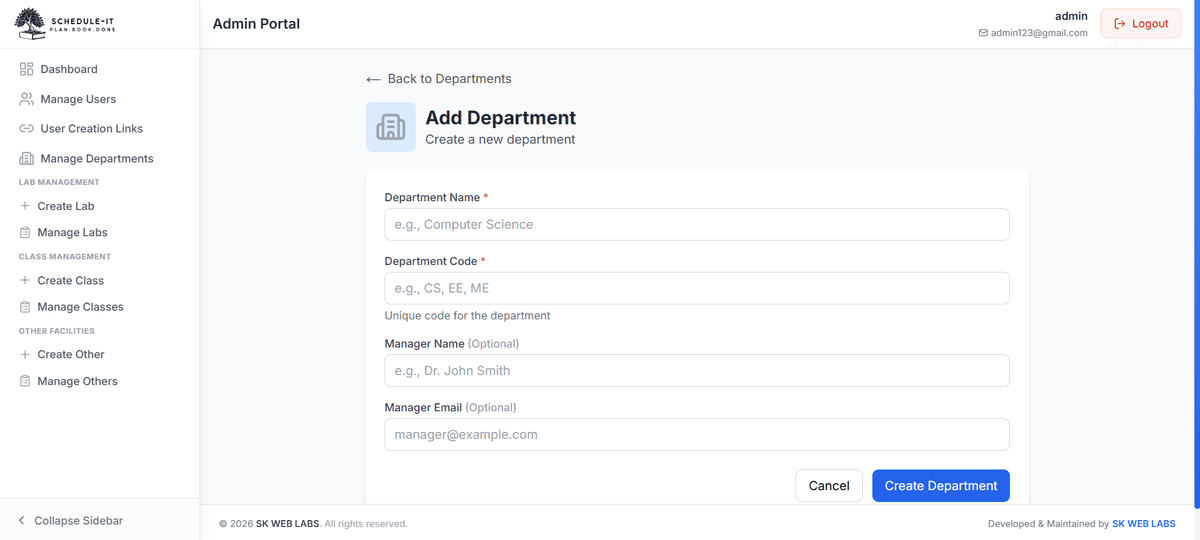
Add Department
Labs
5 screens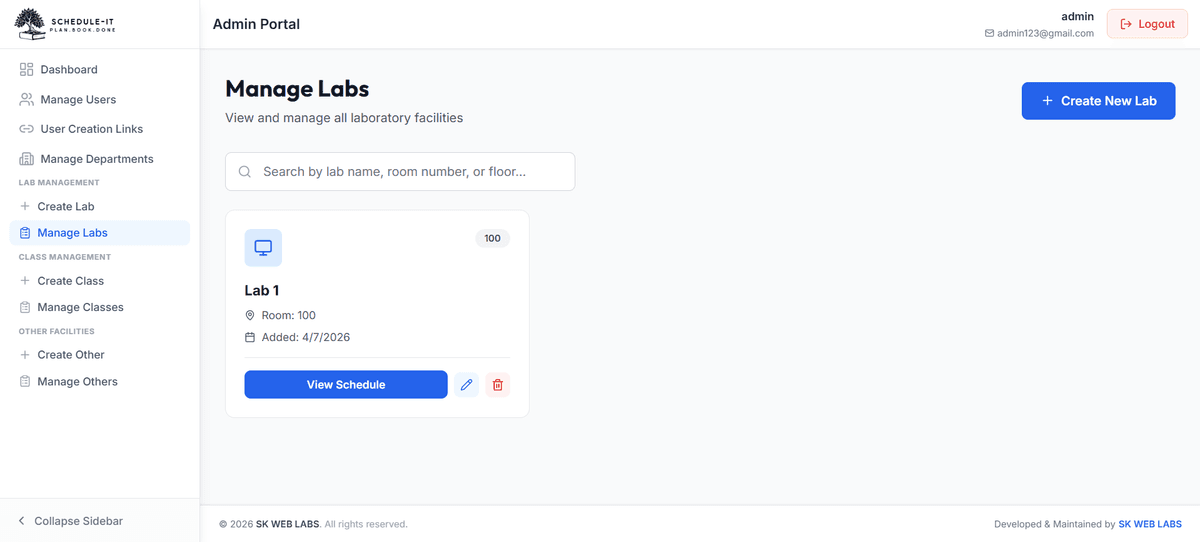
Manage Labs
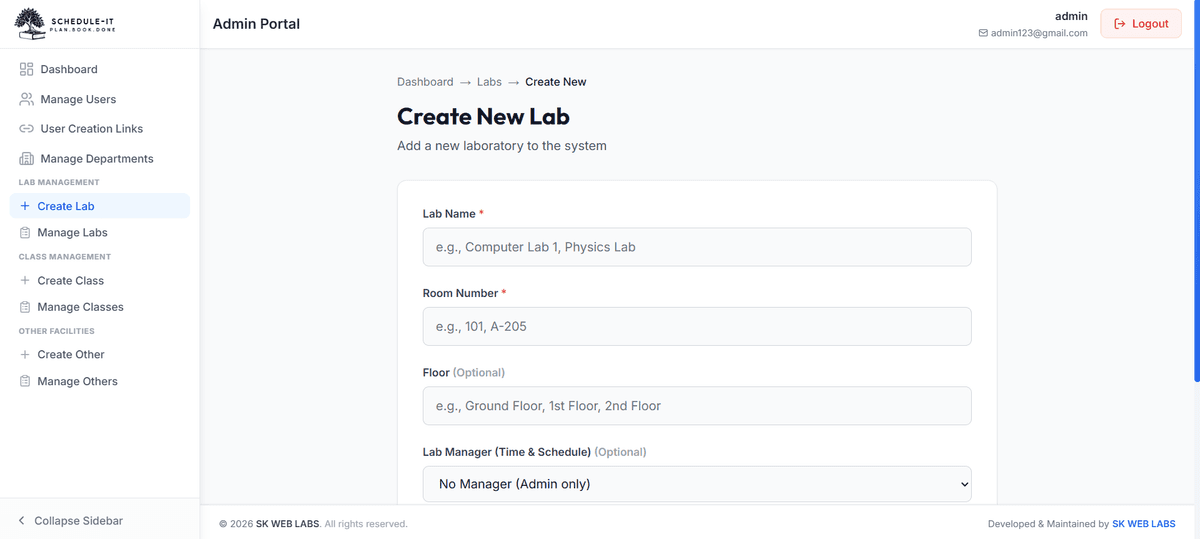
Create New Lab
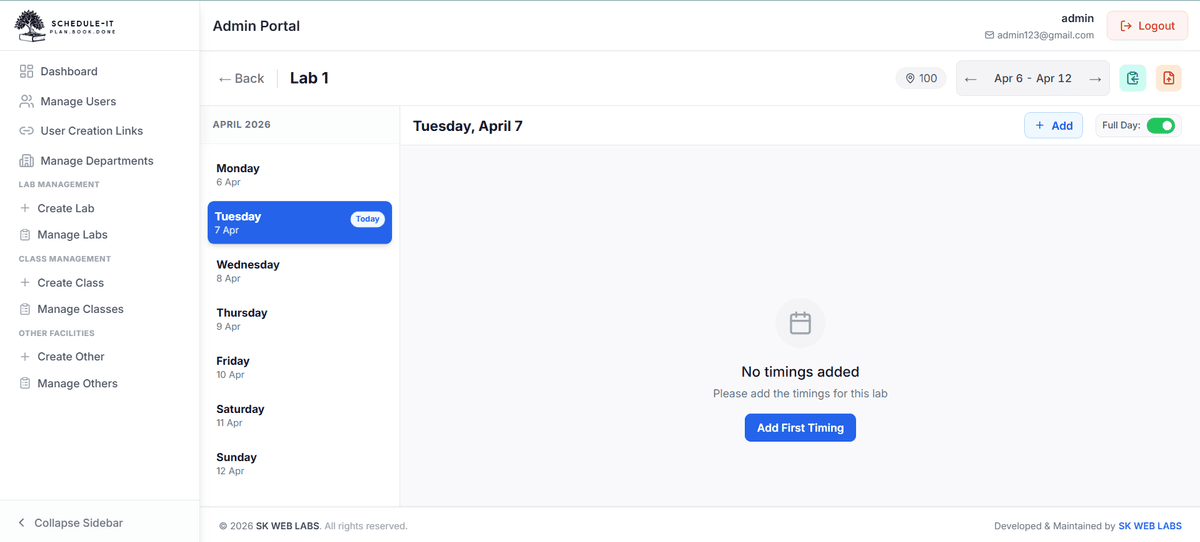
Lab Schedule
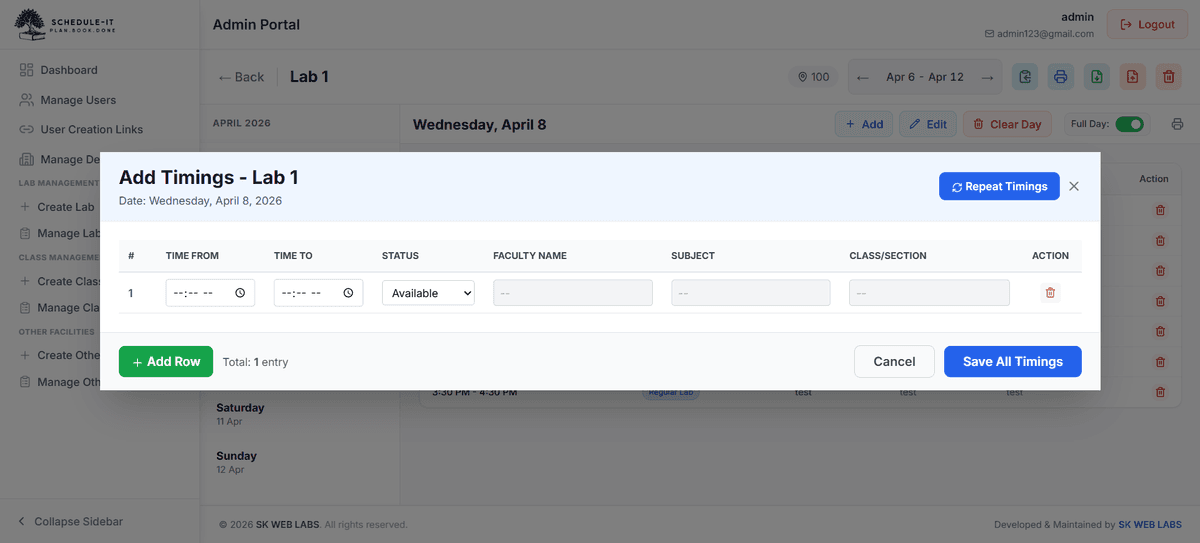
Add Lab Timings
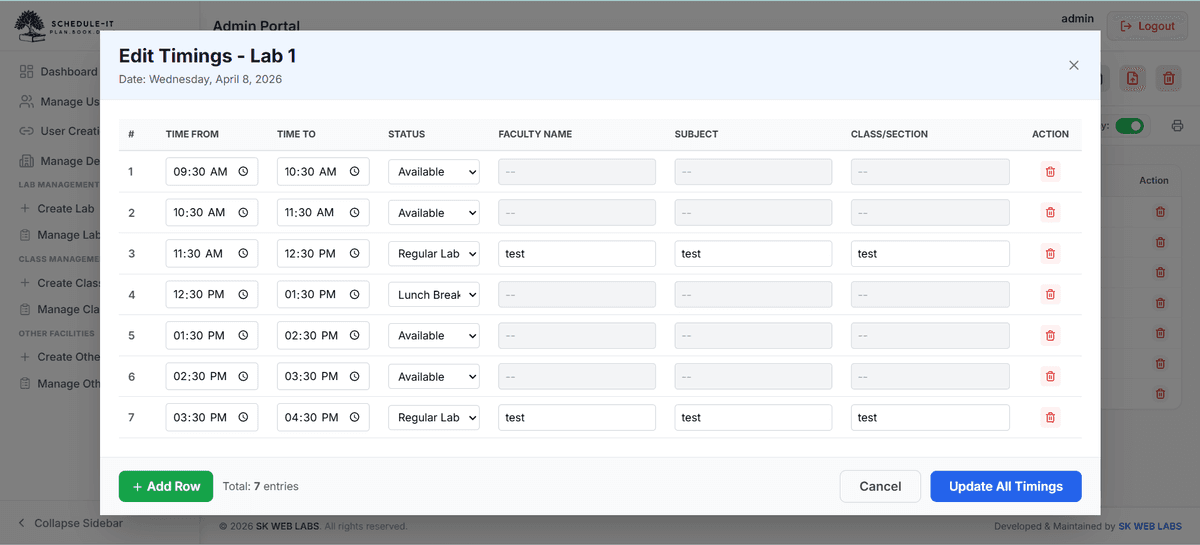
Edit Lab Timings
Classes
3 screens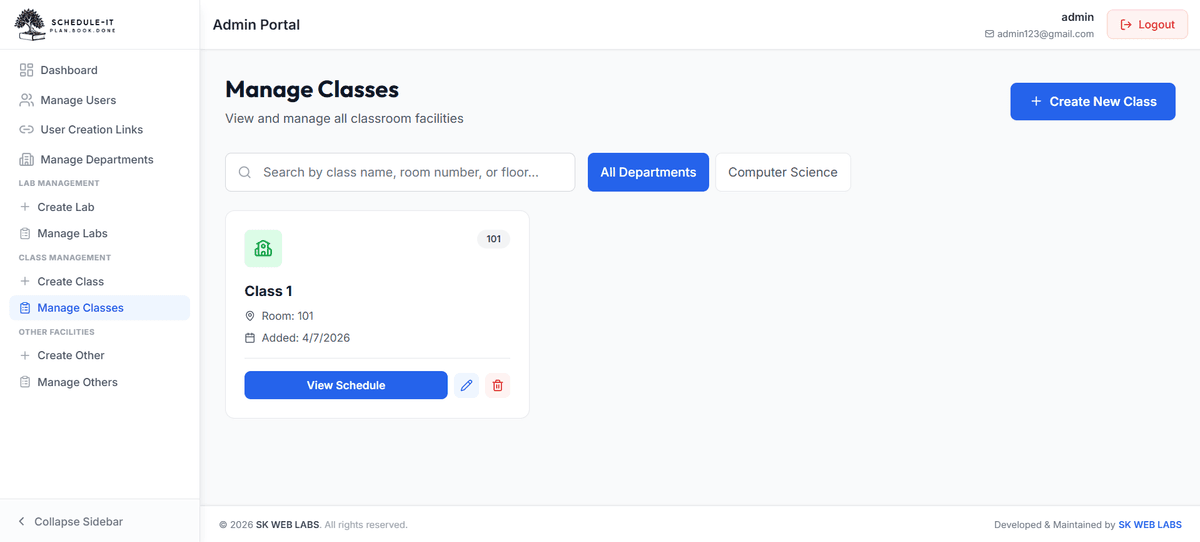
Manage Classes
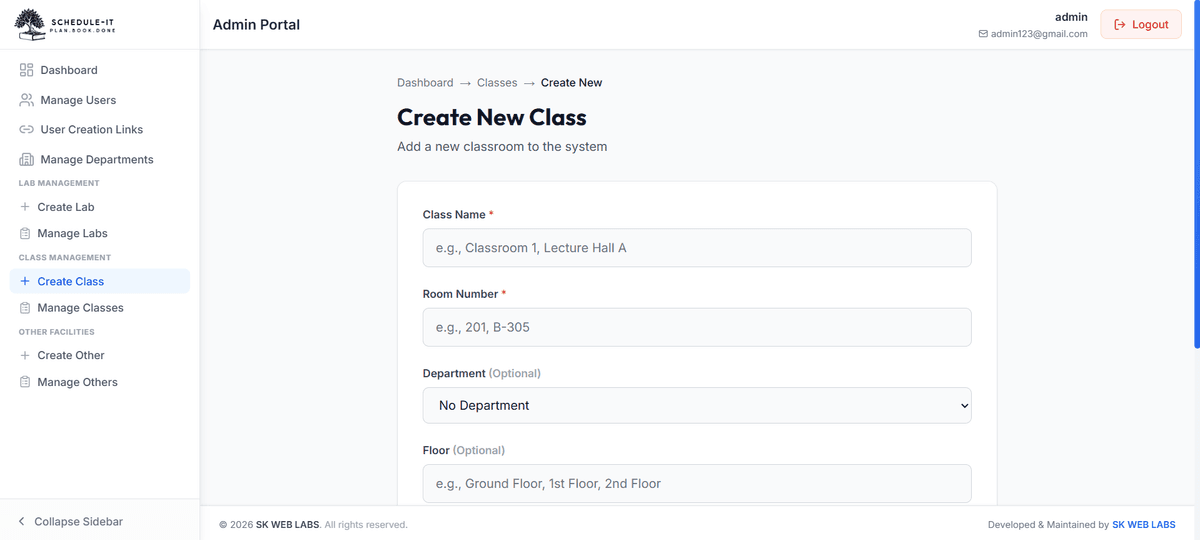
Create New Class
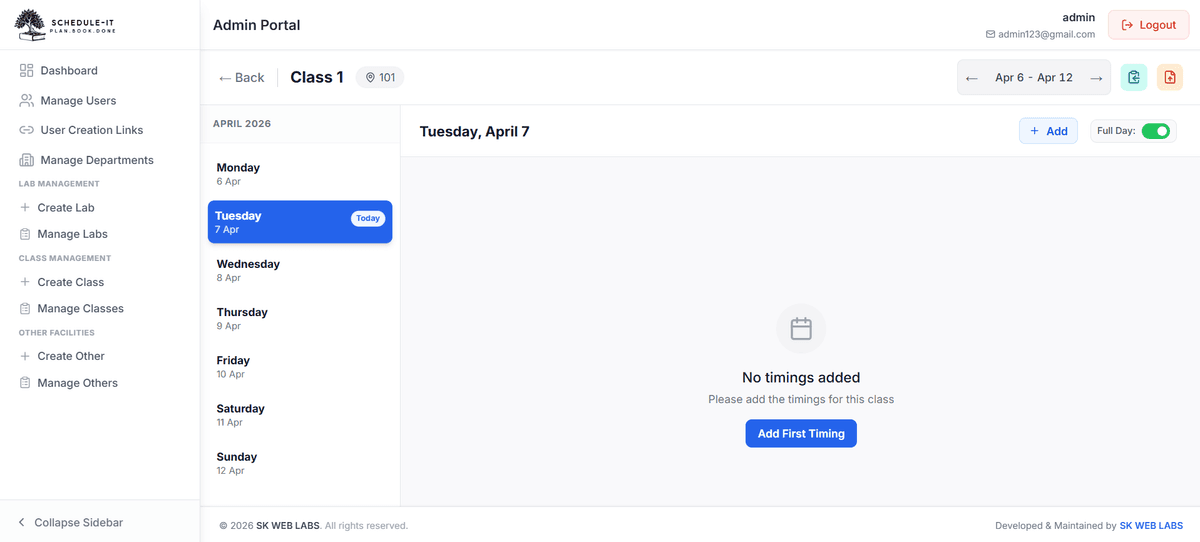
Class Schedule
Other Facilities
3 screens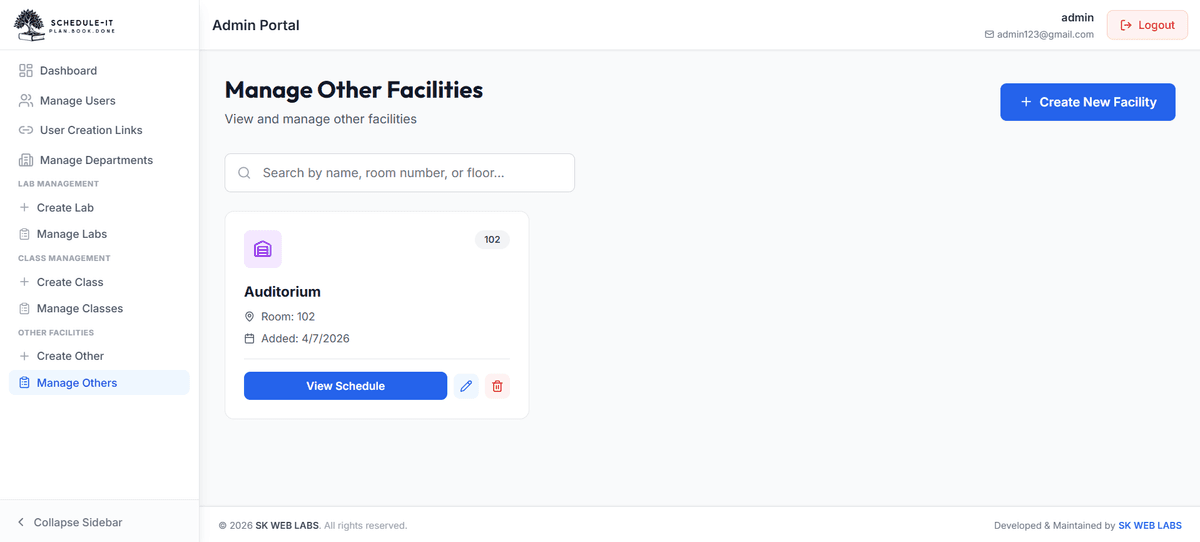
Manage Other Facilities
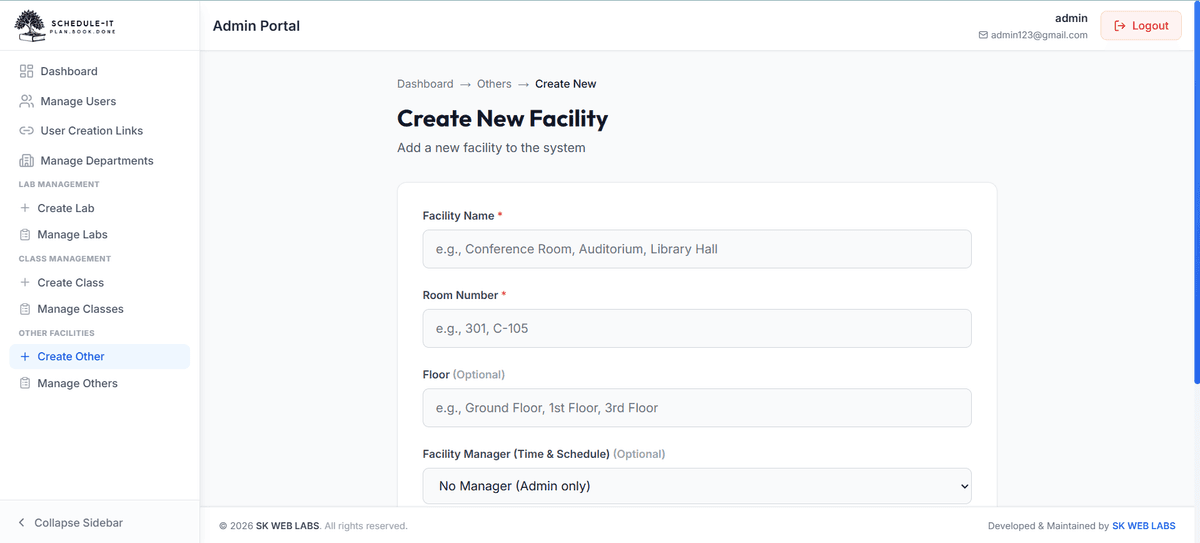
Create New Facility
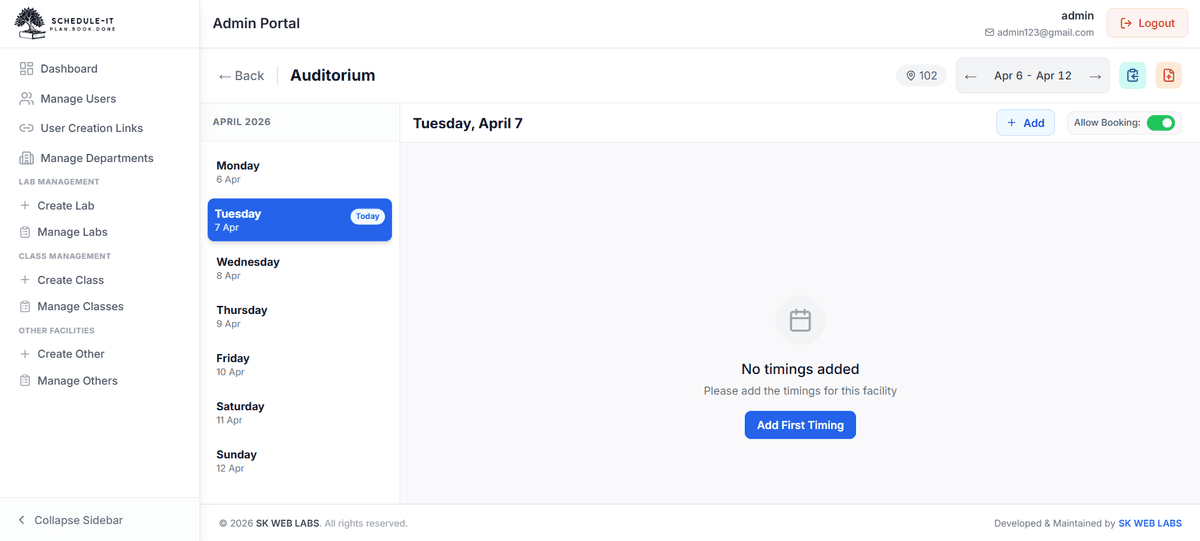
Other Facility Schedule
Bookings
2 screens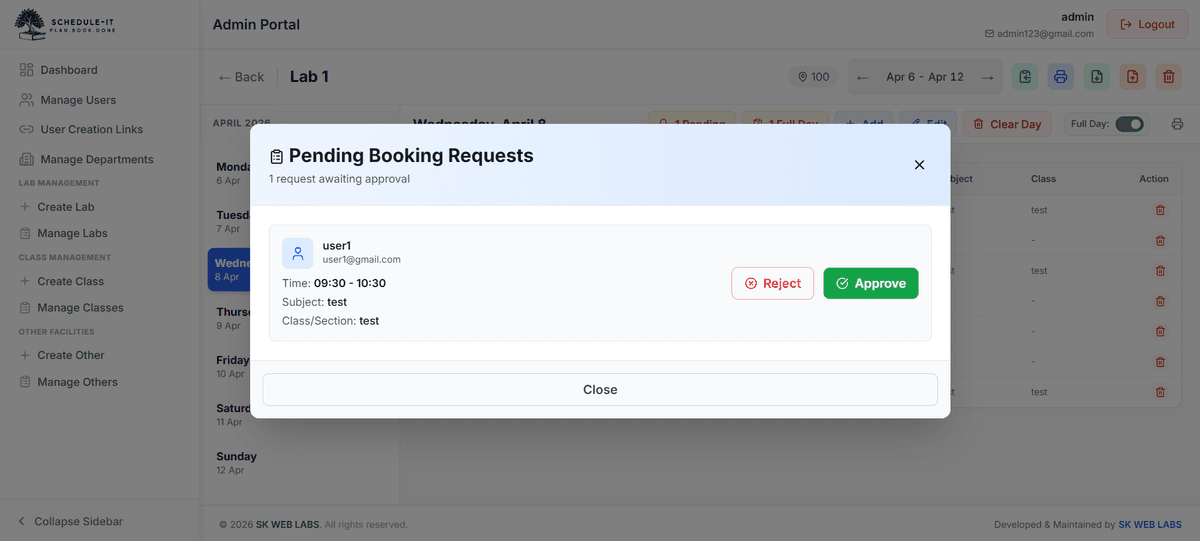
Pending Booking Requests
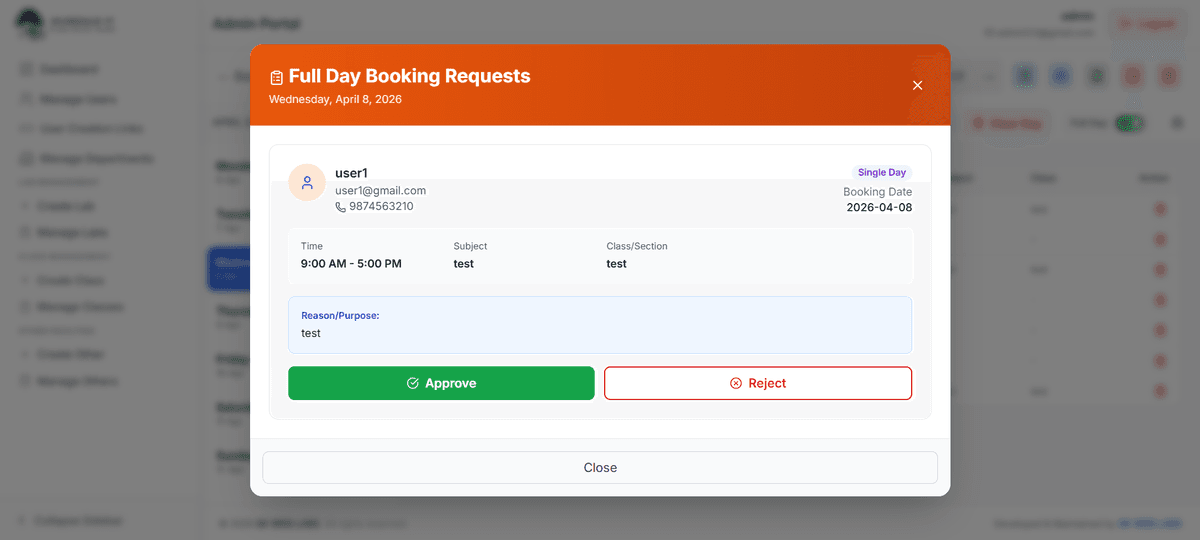
Full-Day Booking Requests
Up and Running in 4 Simple Steps
From zero to fully operational booking system — fast. No complex setup, no technical expertise required.
Get Your Institution's Portal
Contact us and we'll set up a dedicated subdomain for your institution — yourcollegename.shedule-it.in. Your portal, your brand.
Admin Sets Up the System
Your admin logs in and configures departments, adds all facilities (labs, classes, halls), and invites users via secure email links.
Users Browse & Book
Faculty, staff, and students log in, browse available facilities, view real-time calendars, and submit booking requests in seconds.
Approve & Manage
Facility managers and admins review pending requests, approve or reject with notes, and the entire schedule runs automatically.
Ready to get started?
Fill out the enquiry form and we'll set up your institution's portal within 24 hours.
Request Your PortalSee Exactly How It Works
Follow the steps below to see the real application screens — from admin user management to user facility booking.
Admin: Creating & Inviting Users
See how your admin builds the user base in just a few clicks
Step 1 of 4
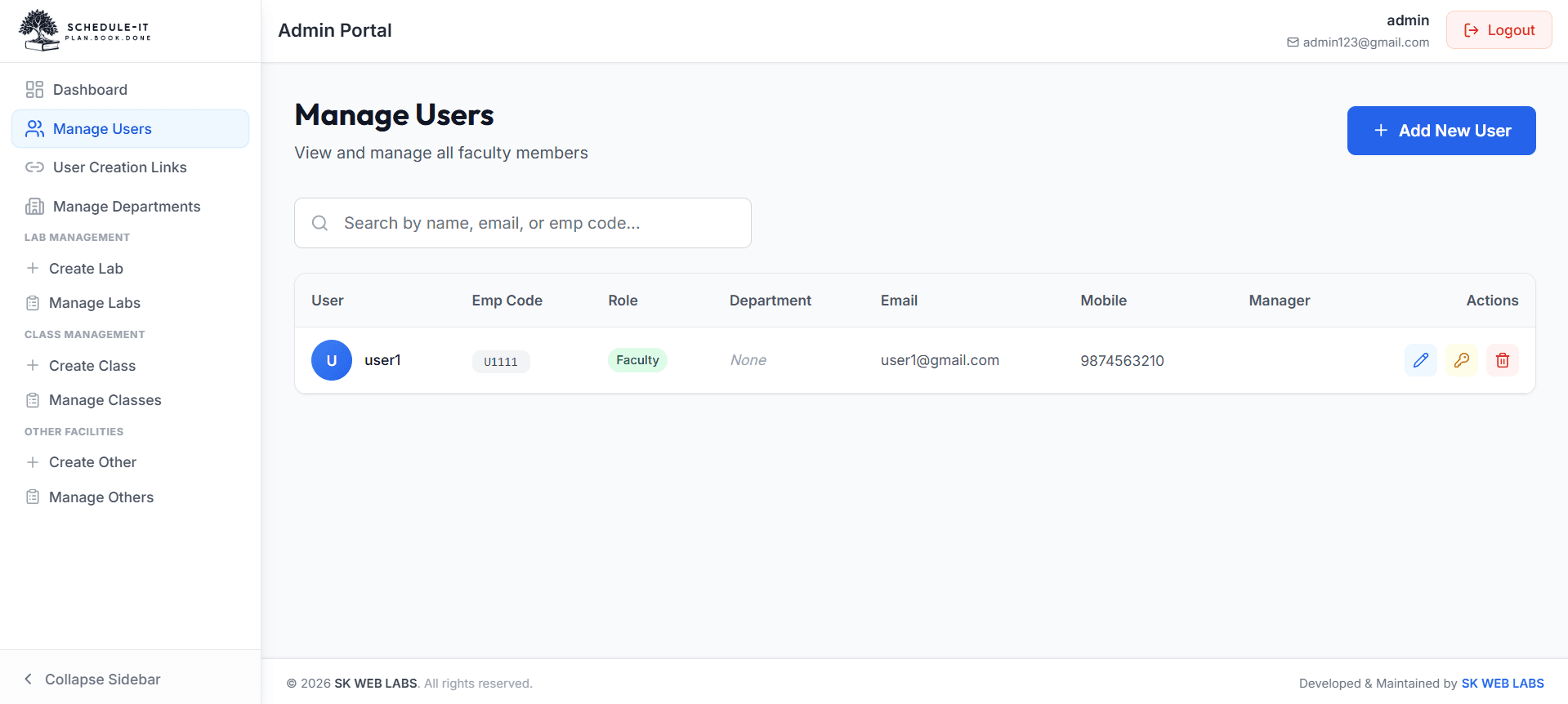
From the Admin Dashboard, click on 'Manage Users' to see all registered users. You get two ways to add users — create them manually yourself, or send a secure invite link via email for the user to self-register.
User: Booking a Facility
See how faculty and staff find and request facility slots
Step 1 of 4
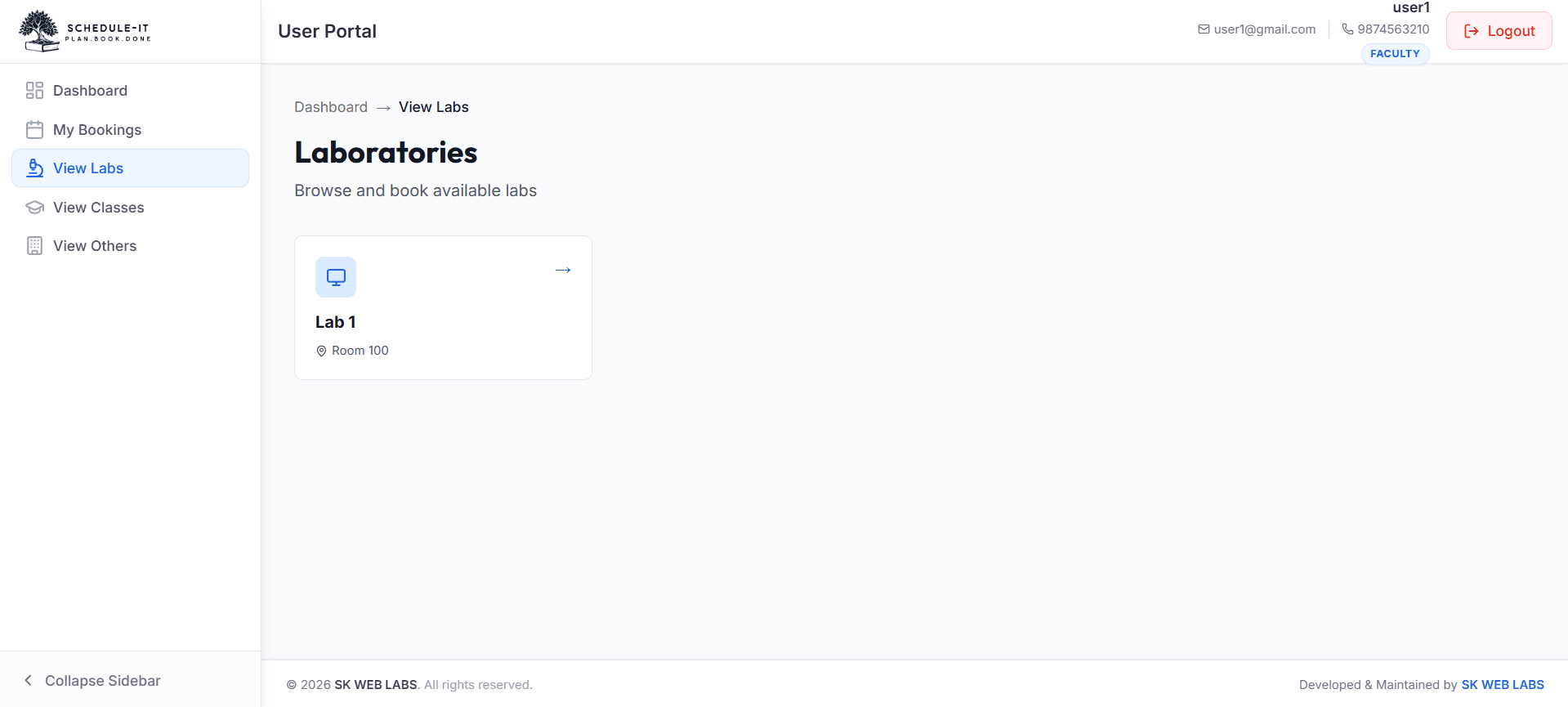
Log in and navigate to 'View Labs', 'View Classes', or 'View Others'. See all facilities with real-time availability status — Available or Busy.
Transform Your Institution's Booking System
Fill in the form and we'll set up your dedicated portal at yourname.shedule-it.in within 24 hours.
Request Your Portal
We'll get back to you within 24 hours.